A trading bot in MetaTrader 5 (MT5) only works while MT5 is open and online. If your PC goes to sleep, restarts for an update or loses its internet, the bot stops, sometimes with trades still open. A VPS (virtual private server) fixes this: it is a computer in a data centre that stays on all day, every day. This guide covers the three main ways to get one and how to move your bot onto it.
Do you need a VPS?
- Yes, if your bot trades through the night, holds trades for days, or trades often.
- Maybe not, if it only trades at one set time and you are always at your PC then.
- Not yet, if you are still testing on demo. Your own PC is fine for that.
A VPS close to your broker's trading servers also cuts the delay on each order, which can mean slightly better prices.
Option 1: MT5's own VPS (simplest)
MetaQuotes, the company behind MT5, rents a VPS from inside MT5 itself. It costs from about $15 a month, with lower monthly prices on longer plans. You never log in to a remote computer. You set things up on your own MT5 and copy them across.
- Log in to your trading account in MT5.
- In the Navigator, right-click your account and choose Register a Virtual Server.
- Sign in with a free MQL5.com account if asked.
- MT5 suggests the server closest to your broker. Keep that choice, as it gives the shortest delay.
- Pick a plan and pay.
- Set up your charts and bots on your own MT5 exactly as you want them, with Algo Trading on.
- Choose Migrate and copy your bots and charts to the VPS.
Important: after you migrate, switch off Algo Trading on your home PC, or close MT5 there. If both copies are running, the bot trades twice.
Things to know:
- Each change you make at home (new settings, a new chart) has to be migrated again.
- Check the VPS from your own MT5: in the Navigator, open your account's VPS entry and look at its Journal for messages.
- Bots that need DLL files will not run on it, and one plan covers one MT5 account.
Option 2: A free VPS from your broker
Some brokers give a free VPS to clients who trade enough each month. At the time of writing, IC Markets (affiliate link) gives one to clients trading 15 standard lots or more a month, through its VPS partners. Check the broker's site for the current terms before you count on it: if your trading drops below the level, the free VPS can be taken away.
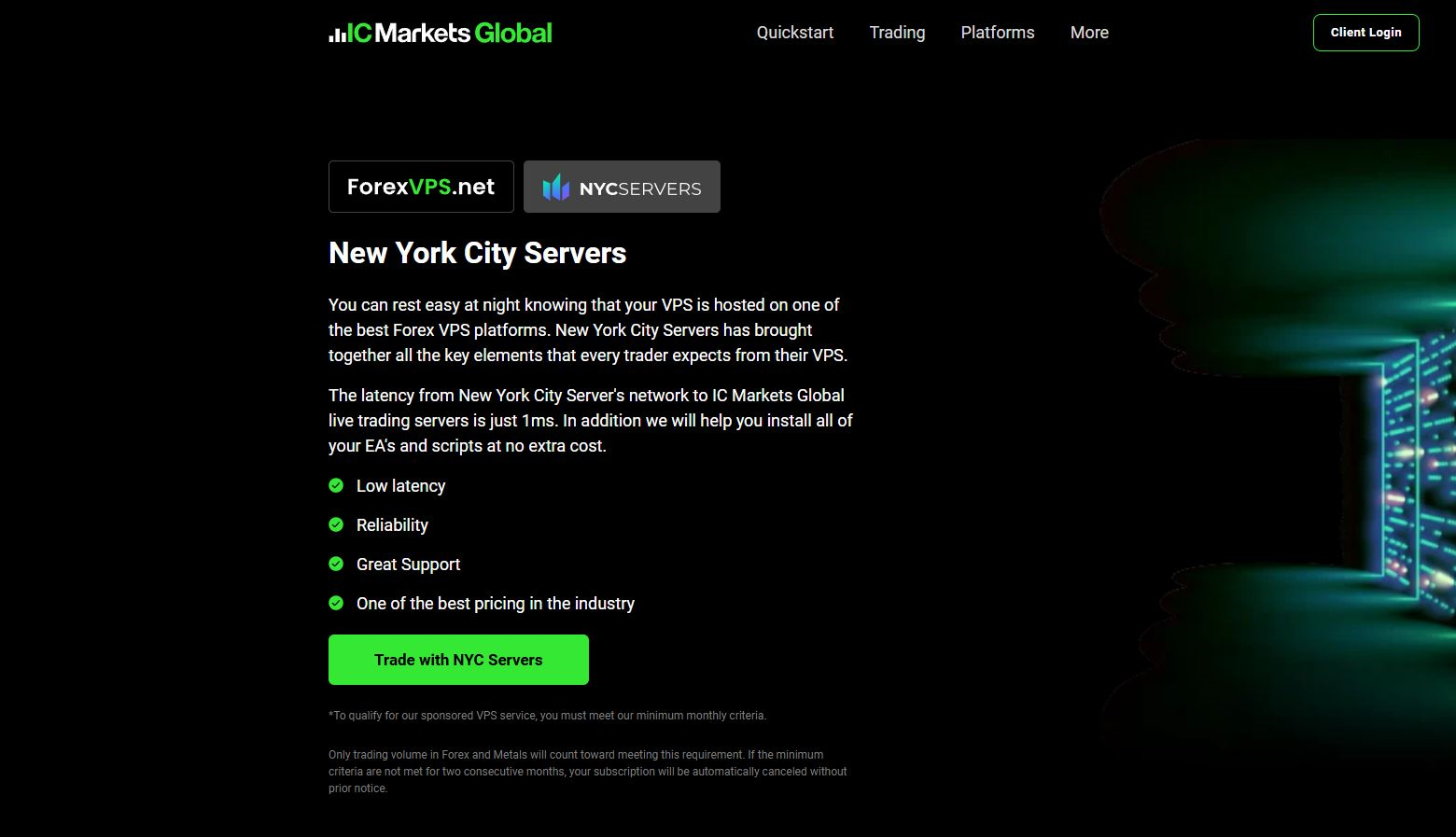
A broker VPS is usually a full Windows computer, so you set it up the same way as Option 3.
Option 3: Rent your own Windows VPS
You can rent a Windows VPS from a hosting company, including ones that specialise in trading. It costs more than Option 1, but you get a full Windows desktop:
- Run several MT5 accounts at once.
- Run bots that need DLL files.
- Run other trading software alongside MT5.
Setting it up
- Pick a server in or near the same data centre as your broker's servers. Your broker's website usually says where they are, for example London or New York.
- Get at least 2 GB of memory for one or two MT5 copies. More if you run several.
- Connect with Remote Desktop (built into Windows; on a Mac, use Microsoft's Windows App).
- On the VPS, download MT5 from your broker, log in, and install and attach your bot as you would at home (see installing an Expert Advisor).
- Switch on Algo Trading. Then switch the bot off on your home PC so it does not trade twice.
- Put an MT5 shortcut in the Windows Startup folder, so MT5 opens again by itself if the VPS restarts.
When you are done, close the Remote Desktop window with the X. Do not choose "Sign out", which closes MT5 too.
Looking after it
- Check in at least once a week: is MT5 connected, is Algo Trading on, are there errors in the Experts tab?
- Windows updates can restart a rented VPS. After an update, check MT5 came back up.
- Keep the VPS for trading only. Do not browse the web or install other programs on it.
- Use a strong password for the VPS, and never share it.
Which option to pick
- One bot, one account, keep it simple: MT5's own VPS.
- You already trade enough with your broker: check for a free broker VPS.
- Several accounts, DLL bots or other software: your own Windows VPS.
Related guides
- How to set up a trading bot on MT5 (start here)
- How to install and attach an Expert Advisor in MT5
- How to backtest a bot in the MT5 Strategy Tester
- IC Markets review
Risk warning: CFDs are complex instruments and come with a high risk of losing money quickly because of leverage. Most retail investor accounts lose money when trading CFDs. Think about whether you understand how CFDs work and whether you can afford the high risk of losing your money.
This guide is for education only and is not financial advice. Trading carries risk; you can lose more than you expect.